
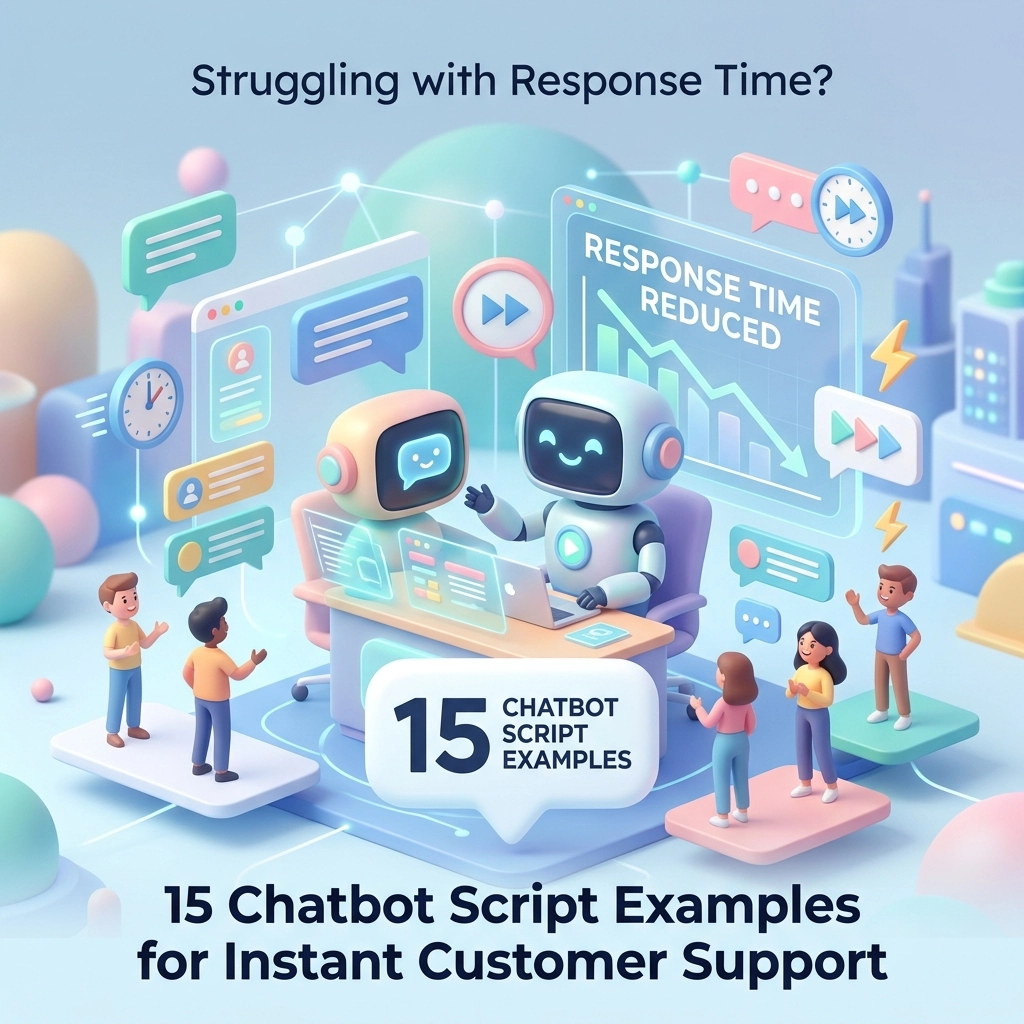
Let’s be real for a second: Nobody, and I mean nobody, enjoys waiting. Whether it’s waiting for a coffee, waiting for a flight, or waiting for a support rep to finally stop typing "…" and give you an answer. In the digital age, a three-minute wait feels like three hours. If your business is still making customers wait more than a few seconds for a response, you aren't just losing their patience; you’re losing their revenue.
At Chatn.ai, we’ve seen the "response time struggle" firsthand. Most businesses try to fix this by hiring more people (expensive) or sticking a clunky, "dumb" bot on their site that says, "I don't understand, let me find a human" (frustrating).
But here’s the secret: The future isn’t just a "web widget." It’s a One AI Brain philosophy. It’s about an autonomous system that lives across your text, voice, and phone channels, pulling from the same pool of knowledge to solve problems instantly.
Today, we’re diving into 15 high-quality chatbot script examples that don't just fill space, they solve problems, close deals, and keep your team sane.
Why Your Response Time is Actually a Revenue Problem
If you think a slow response is just a minor "customer experience" issue, think again. Leads go cold in minutes. A study by Harvard Business Review found that companies that try to contact potential customers within an hour of receiving a query are nearly seven times as likely to have a meaningful conversation as those who wait even 60 minutes.
When you implement chatbot script examples that are powered by an ai-intelligent-agent, you aren't just automating text; you’re automating your growth engine. These scripts are designed to plug directly into your current workflows, Slack, CRM, Zendesk, or even your phone system, to ensure that the moment a question is asked, an answer is delivered.
The "One AI Brain" Concept: Beyond the Chat Bubble
Before we get into the scripts, let's clear one thing up. At Chatn.ai, we don’t build "bots." We build Autonomous AI Systems.
The chatbot scripts examples below aren't limited to a little window on your homepage. Imagine a customer calling your office after hours. The "One AI Brain" answers the phone with the same script, checks the same database, and schedules the same meeting as the web assistant. It’s seamless. It’s consistent. It’s the smartest online chatbots 2025 approach.

5 Chatbot Script Examples for Instant Support
Support is where the "Instant" in "Instant Customer Support" matters most. These scripts focus on empathy, speed, and resolution.
1. The "Immediate Triage" Script
Goal: Acknowledge the issue and set expectations while the AI searches for a solution.
"Hi there! I’ve received your message about [Issue Type]. I’m searching our knowledge base right now to find the fastest fix for you. Hang tight for just a few seconds!"
2. The "Order Status" Specialist
Goal: Deflect common "Where is my stuff?" tickets by pulling live data.
"I can definitely help with that! Let me check the status of your order #[OrderNumber]. It looks like your package is currently in [Location] and is scheduled for delivery on [Date]. Would you like me to text you the tracking link?"
3. The "Technical Troubleshooting" Flow
Goal: Guide the user through basic steps before escalating to a human.
"I’m sorry your [Product] isn't performing as expected. Have you already tried [Step 1]? It usually solves about 80% of these cases. If not, give it a go and let me know if it works!"
4. The "Handling Delays" (With Style)
Goal: Be transparent when things are taking a moment.
"I’m looking into those account details for you now. Our internal system is being a little shy today, so it’s taking an extra second to load. Thanks for sticking with me, I'll have an answer in less than a minute!"
5. The "Feedback Loop" Closer
Goal: Ensure the user is happy before ending the interaction.
"Glad we could get that sorted for you! Is there anything else, no matter how small, that I can help you with today? I’m here 24/7 if you need a hand."
5 Chatbot Script Examples for High-Velocity Sales
Sales assistants shouldn't just be "contact forms with a pulse." They should be active participants in the ai-workflow-automation-2025-customer-experience.
6. The "Pricing Page" Hook
Goal: Engage users who are looking at the money part of your site.
"I noticed you’re checking out our [Product Name] pricing! Most businesses like yours find that the [Plan Name] offers the best ROI. Would you like a quick breakdown of how much you could save?"
7. The "Demo Scheduler"
Goal: Convert interest into a calendar event without a back-and-forth email chain.
"I’d love for you to see [Product] in action! I can sync with our team's calendar right now. Do you have 15 minutes this Thursday morning, or would Friday afternoon work better for you?"
8. The "Competitor Comparison"
Goal: Address objections head-on.
"Great question! While [Competitor] is a solid tool, we differ because our [Unique Feature] allows you to [Benefit]. Would you like to see a quick 1-minute comparison video?"
9. The "Lead Qualification" Bot
Goal: Ensure your sales team only talks to "hot" leads.
"I’d love to connect you with a specialist. To make sure we give you the right info, roughly how many users are you looking to onboard, and what is your primary goal for this month?"
10. The "Abandoned Cart" Recovery
Goal: Bring them back when they’re on the fence.
"Hey! I saw you left some items in your cart. Was there a technical issue, or did you just get distracted by a cat video? (It happens!) If you finish your order in the next hour, I can apply a 10% 'Welcome Back' discount for you."

5 Chatbot Script Examples for HR & Internal Ops
AI isn't just for customers. Some of the best chatbot scripts examples are those that help your own team stay productive.
11. The "New Hire Onboarding" Assistant
Goal: Walk new employees through their first-day tasks.
"Welcome to the team, [Name]! I'm your AI buddy. Ready to get started? First up, let’s make sure your payroll info is uploaded here: [Link]. Once that's done, I'll show you where to find the best snacks in the office."
12. The "Policy Search" Bot
Goal: Save HR from answering the same questions every day.
"Looking for the holiday policy? Under our current guidelines, you have [X] days of PTO per year. You can request time off directly through me, just say 'I want to take a vacation' whenever you’re ready!"
13. The "IT Support Ticket" Creator
Goal: Streamline internal tech issues.
"Oops, sorry the printer is acting up again! I’ve logged a ticket with the IT team. They usually respond within 30 minutes. In the meantime, have you tried the old 'turn it off and on again' trick?"
14. The "Candidate Screening" Assistant
Goal: Filter applicants for open roles.
"Thanks for applying for the [Job Title] position! To help our hiring manager, could you tell me a bit about your experience with [Required Skill]? A sentence or two is perfect!"
15. The "Internal Feedback" Gatherer
Goal: Keep your finger on the pulse of company culture.
"Hey! We’re doing a quick temperature check on our new remote work tools. On a scale of 1-10, how much are they helping your workflow? Your answer is 100% anonymous!"
How to Implement These Scripts Into Your Workflow
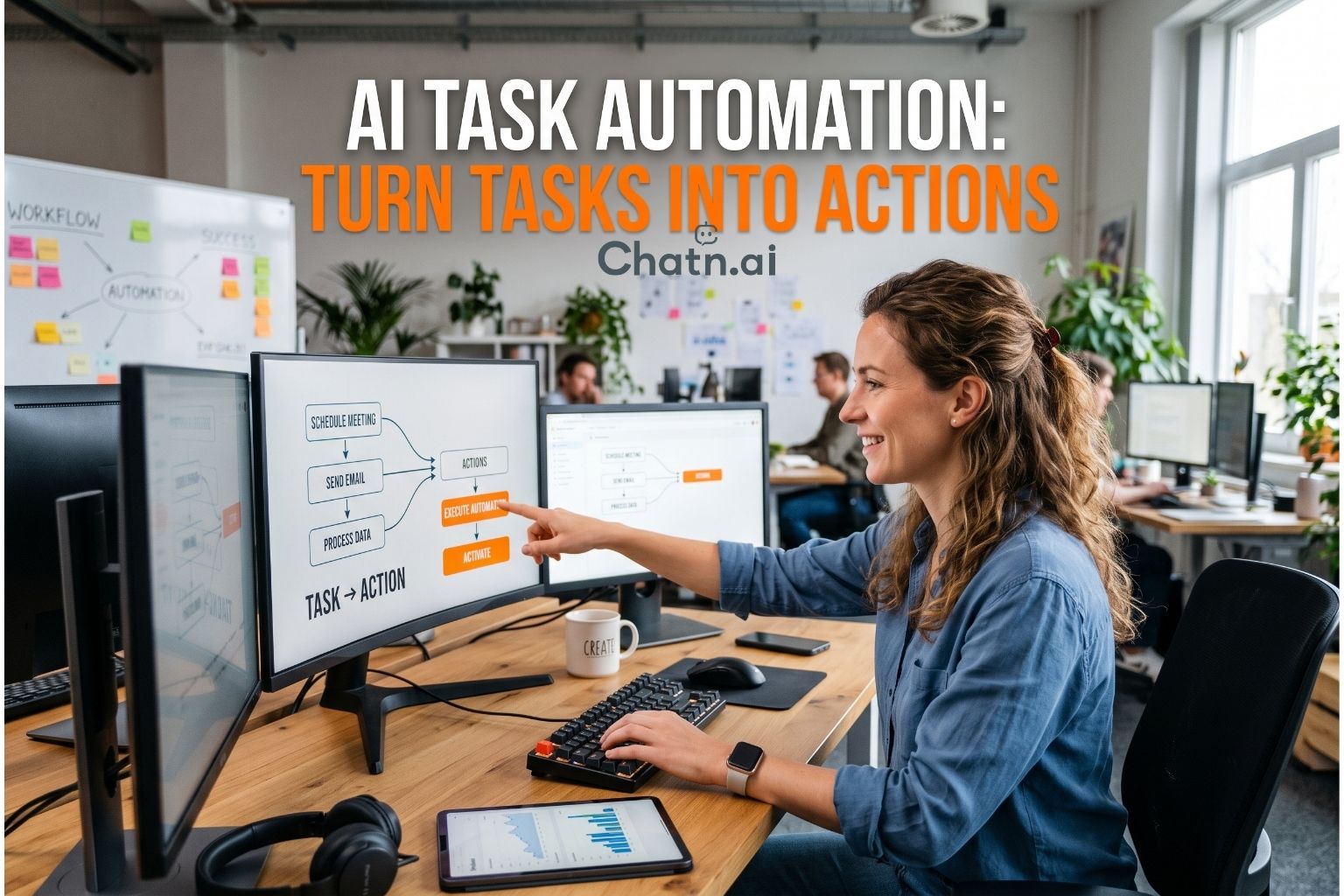
Writing the script is only half the battle. The real magic happens when these chatbot script examples are integrated into your existing software stack.
When you use a platform like Chatn.ai, you aren't just copy-pasting text. You are training an ai-agent-for-websites that understands context. For example, if a customer asks a support question via SMS, the AI shouldn't just repeat a script; it should look into your Shopify or HubSpot account to see who the customer is and what they’ve bought.
Steps to get started:
- Identify the Friction: Where are people waiting the longest? Is it support tickets? Sales inquiries? HR questions?
- Define the Tone: Do you want to be "corporate and professional" or "friendly and witty"? (We prefer the latter!)
- Choose Your Channels: Don't just stick to web chat. Enable voice and phone integrations so your "One AI Brain" is everywhere.
- Plug and Play: Connect your AI to your CRM and helpdesk so it can pull real data, not just generic answers.
FAQ: Common Questions About Chatbot Scripts
Q: Will customers be annoyed that they aren't talking to a human?
A: Customers are annoyed by delays, not by bots. If an AI gives them the right answer in 5 seconds, they are much happier than waiting 5 hours for a human to say the same thing.
Q: Can I use these scripts for voice calls too?
A: Absolutely! The beauty of the autonomous-ai-systems-business-automation model is that the script works whether it’s read on a screen or spoken over the phone.
Q: Do I need to be a coder to set this up?
A: Not at all. Modern platforms like my.chatn.ai are designed for business owners and managers, not just developers. If you can write an email, you can set up a high-performing AI assistant.
The Future of Instant Engagement
The days of the "static" chatbot are over. We are entering the era of the Intelligent Agent: a system that thinks, acts, and resolves issues across every touchpoint of your business. By using these chatbot scripts examples, you're taking the first step toward a friction-free customer experience.
Ready to stop the waiting game? Sign up for Chatn.ai today and see how one AI brain can transform your entire workflow. Your customers (and your sleep schedule) will thank you.